How does the Nissan customer community work?
How do I register in the community?
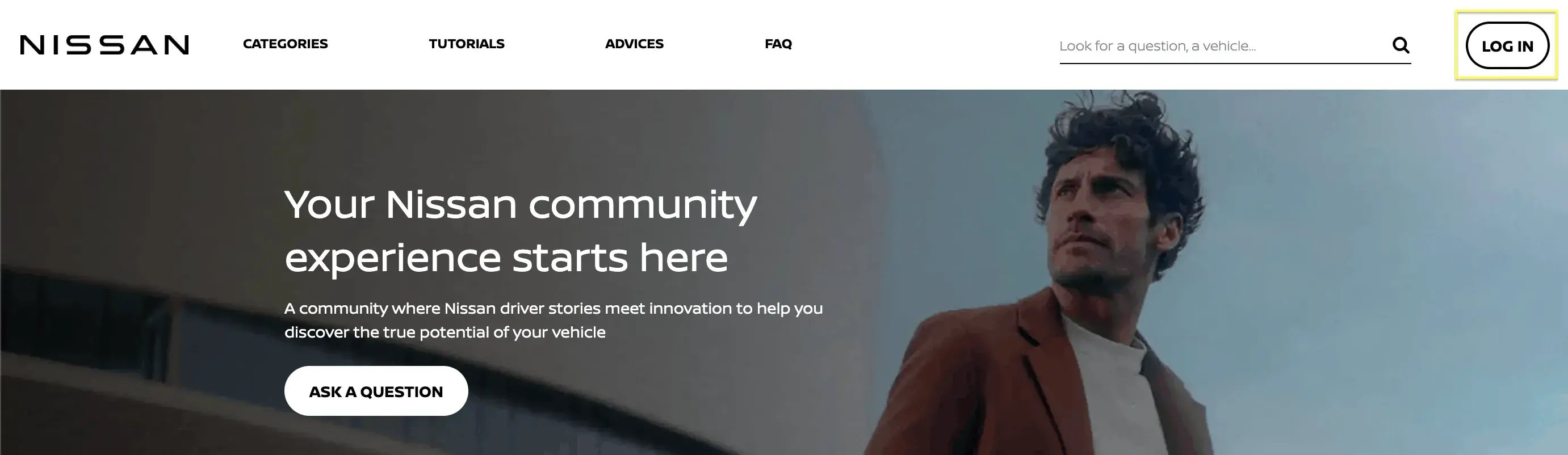
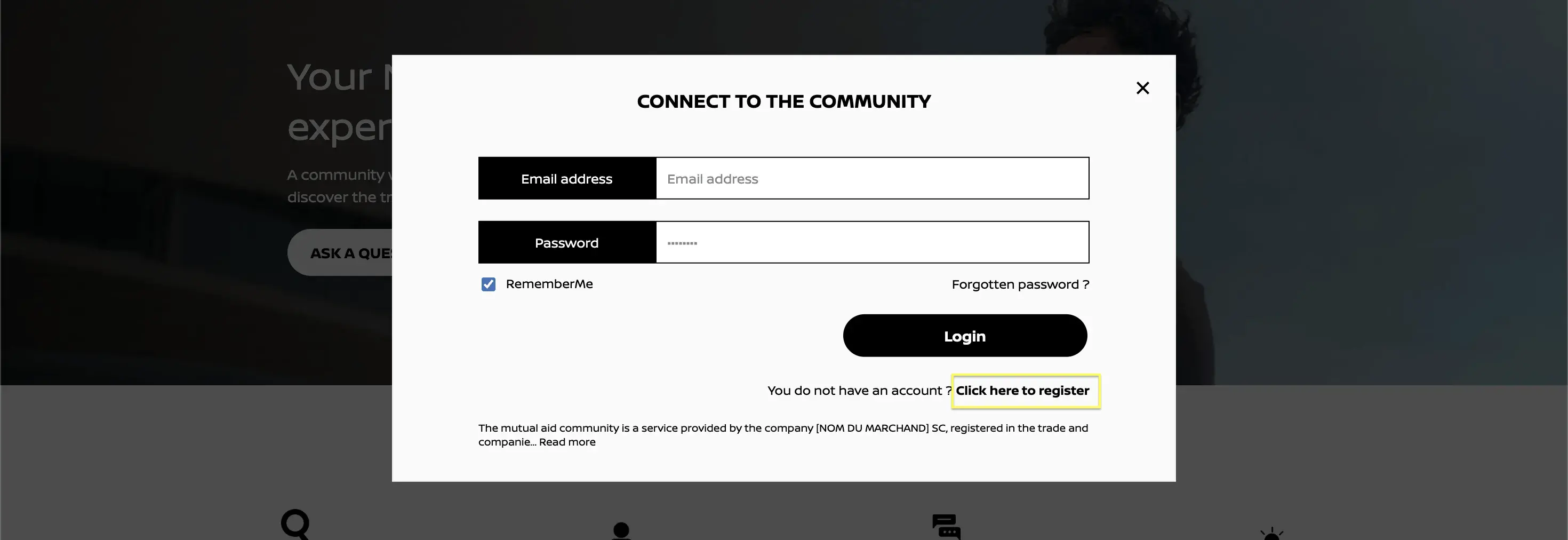
Click on the “Log in” button at the top right, then click on “Click here to register”.
Fill in the form:
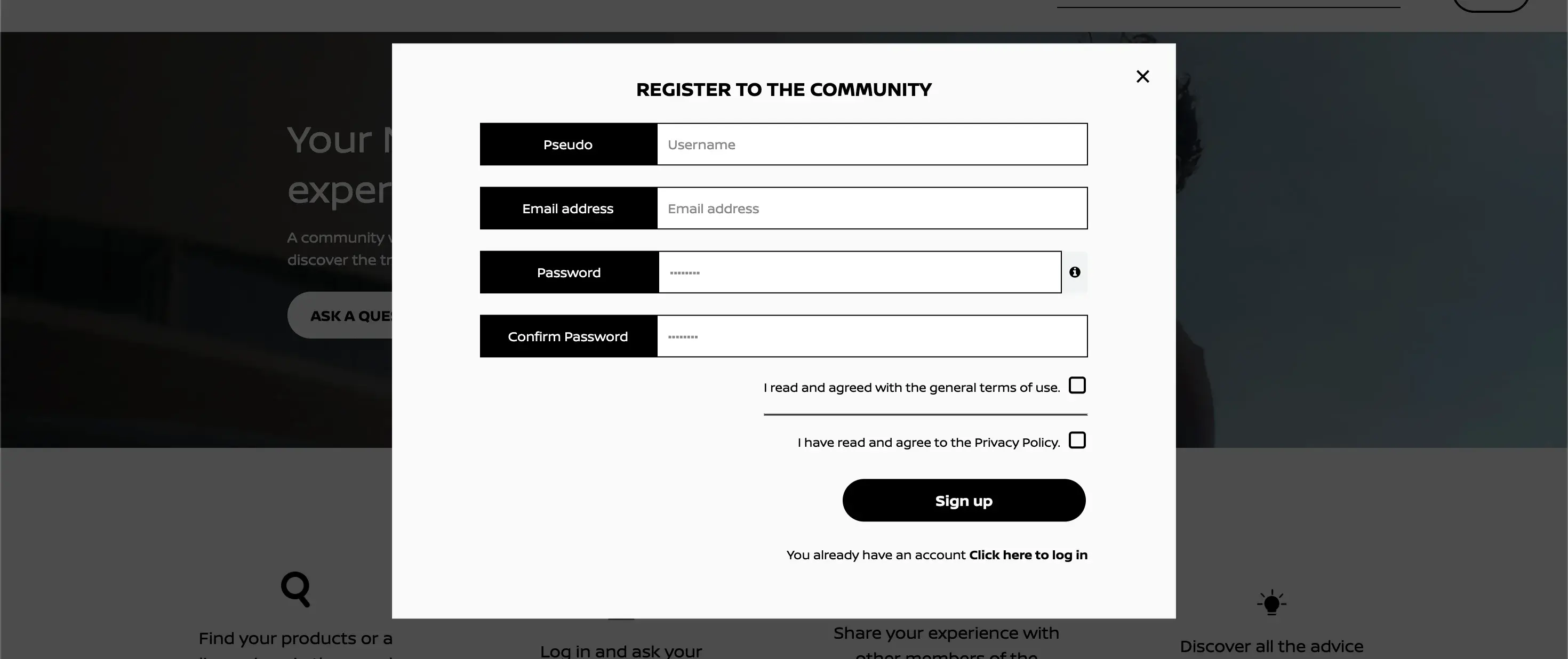
Your username
Your email address
Your password
Then tick the two boxes relating to the terms of use and the information on data processing, and click on the Validate button.
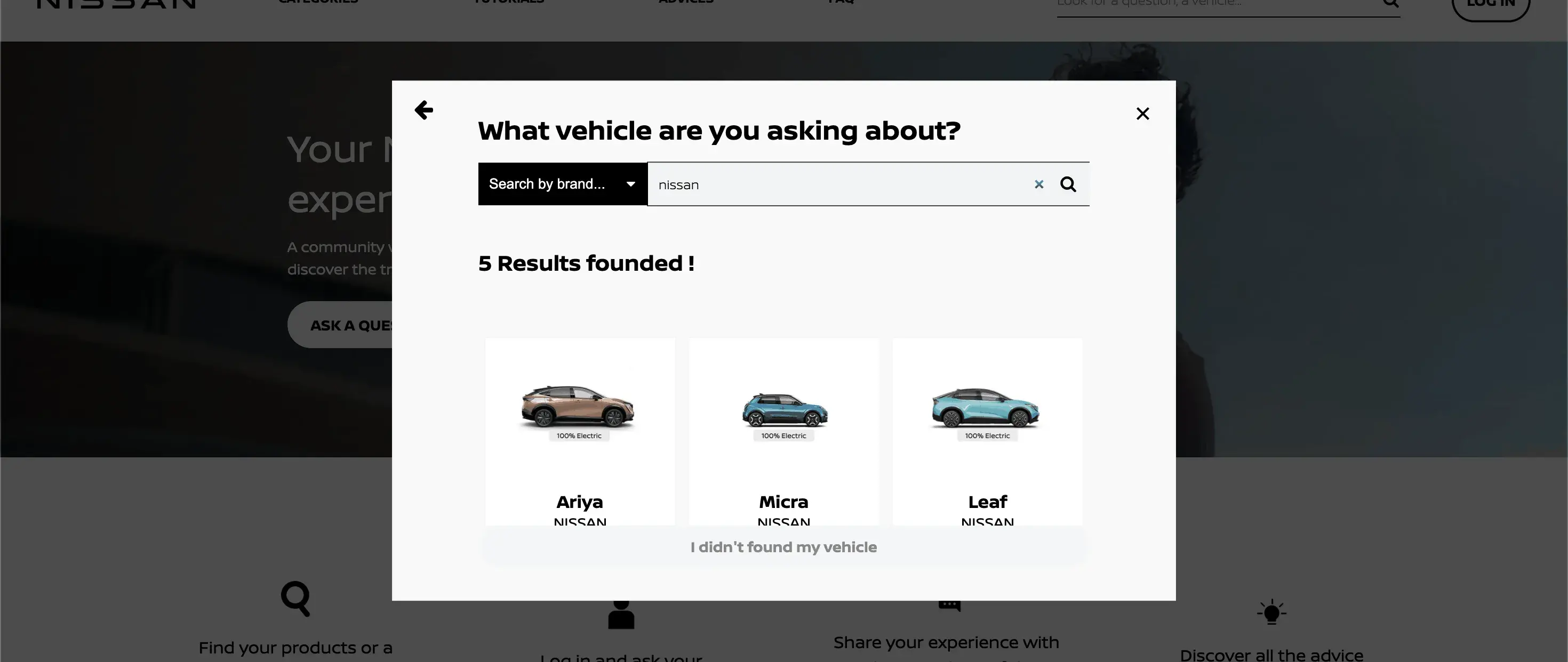
On the second page, you will be able to choose your product.
You will receive an email inviting you to confirm your registration.
How do I log in to the forum?
At the top right, click on the “Log in” button, enter your email address and password, then click on the “Log in” button.
I forgot my password, how can I recover it?
At the top right, click on the “Log in” button, then click on “Forgot password?”, enter your email address and then click on the “Validate” button.
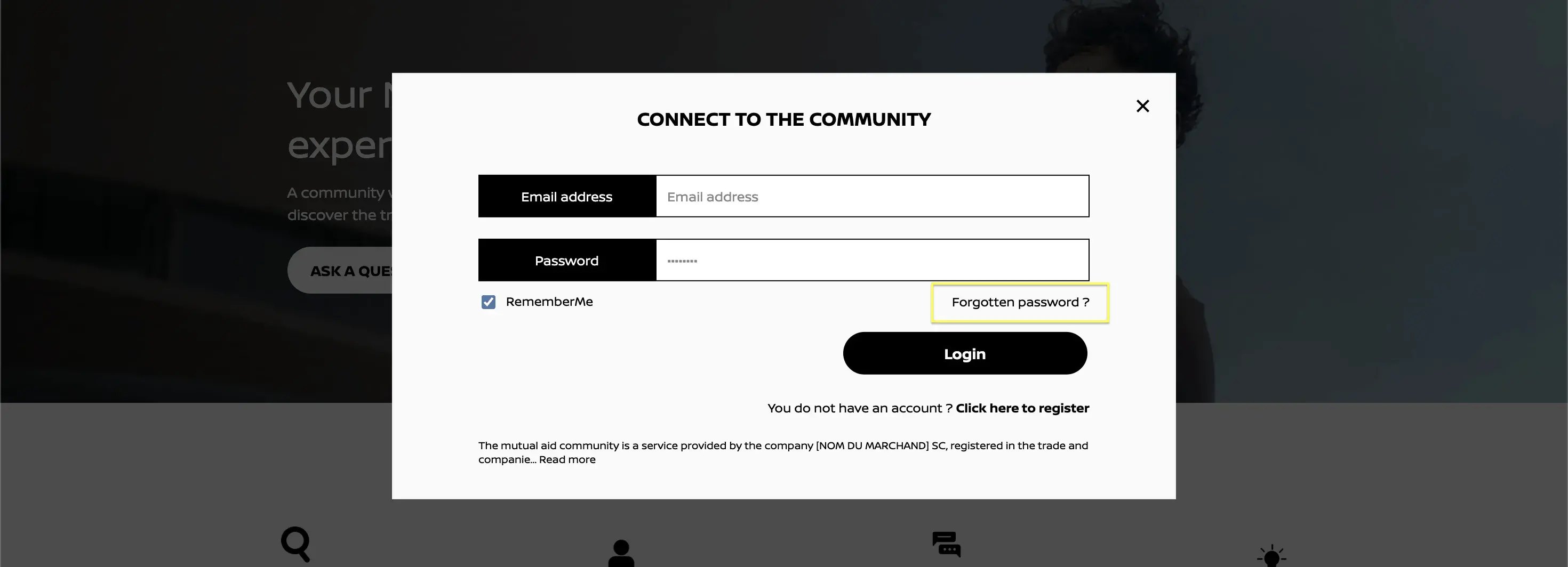
You will receive an email inviting you to click on the link that will redirect you to a page where you can enter your new password.
How can I ask a question to the Nissan community?
Click on the “Ask a question” button, start by filling in the title and the content of your question:
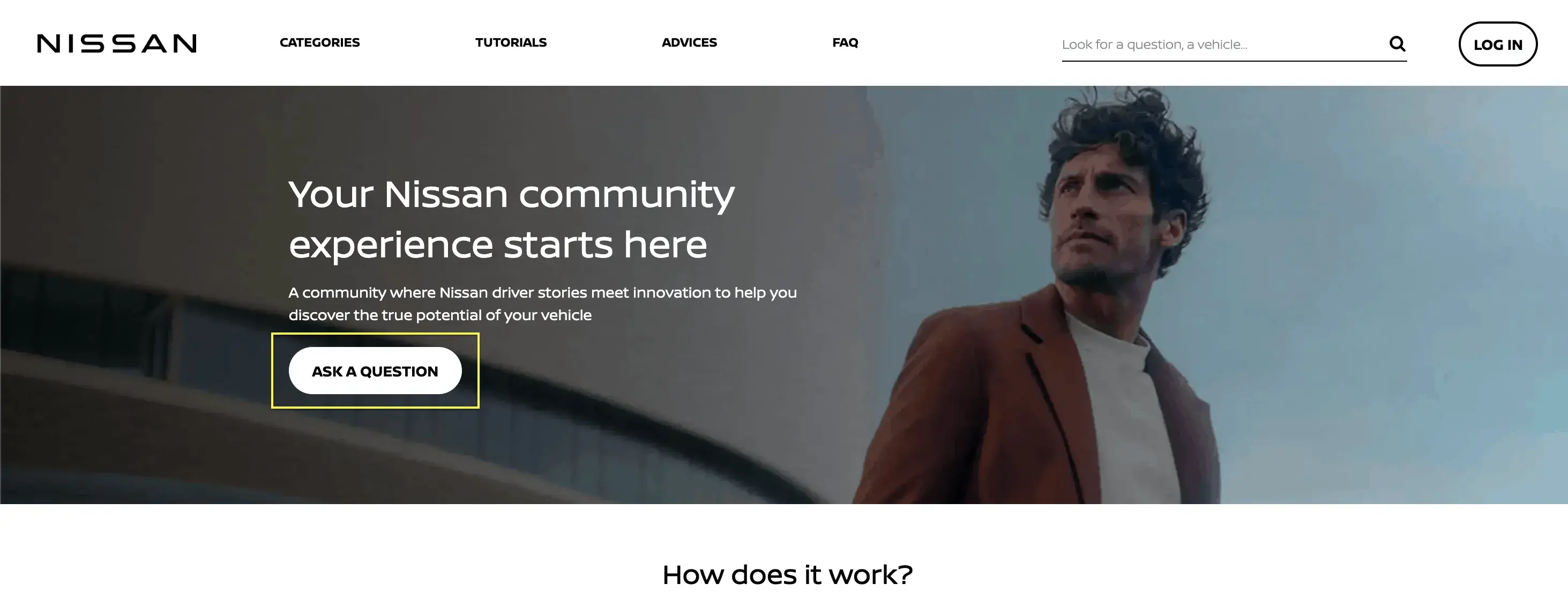
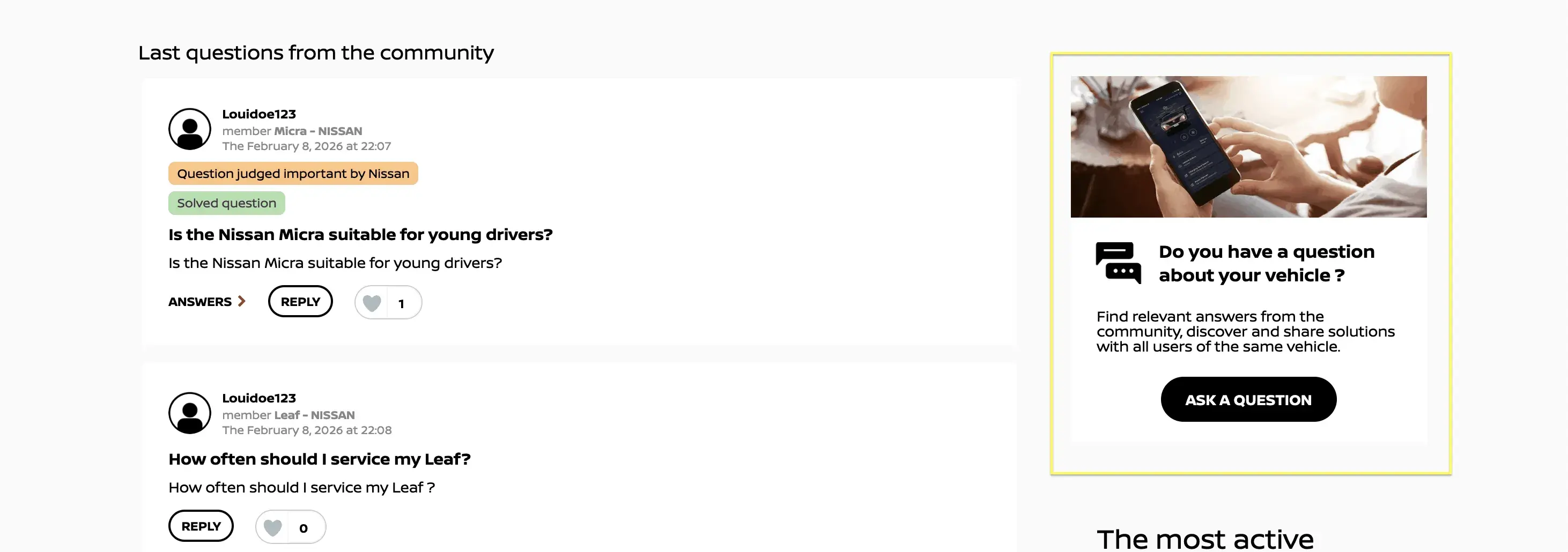
Only community members can ask a question; if you do not have an account on the forum, you can register and join the Nissan community.
I posted my question/answer but it does not appear, why?
Don’t worry, your question/answer is being moderated.
How can I find the answer to my question?
You can find your product by specifying the brand, category and name through the search section (visible at the bottom of the image below).

If you cannot find the answer to your search, you can always ask your question to the community members.
Who can help me in the Nissan Community?
Community members
Nissan experts
Answers provided by Nissan experts are marked with the Nissan logo shown above.
I liked an answer or a question I just read, how can I show it?
I click on the icon
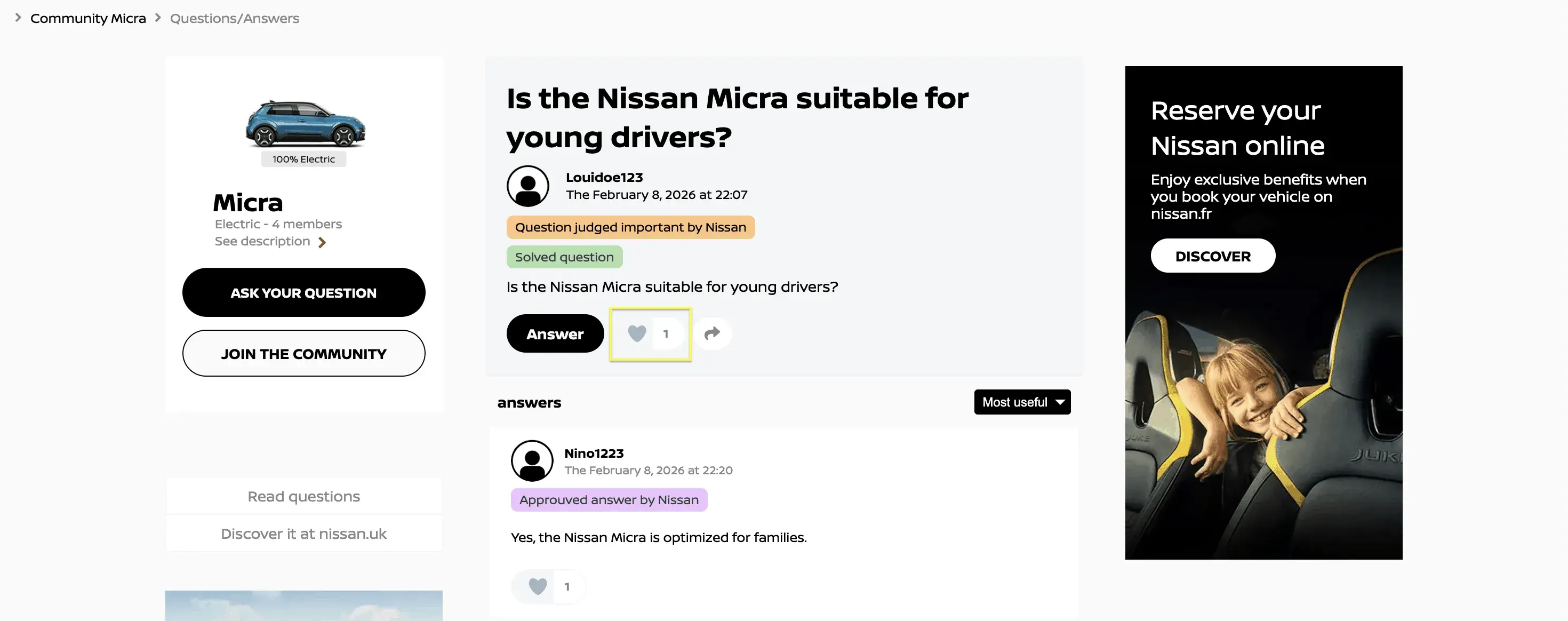
I thank the author of this answer and value it within the Nissan community.
How can I share the content of a question/answer?
I click on the button:
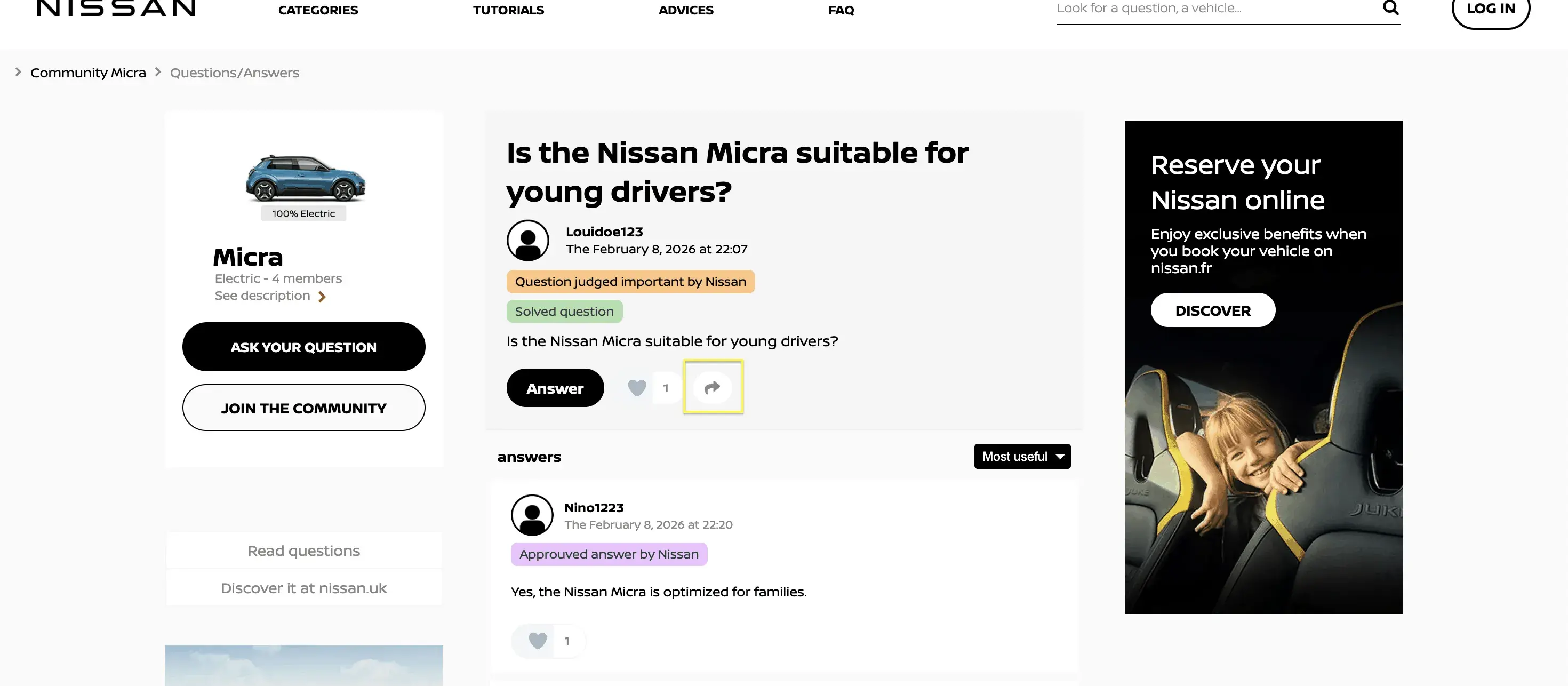
I can send the question or answer directly to social media or simply get a link to share it however I prefer.
How can I become a "verified owner"?
You simply need to send your proof of purchase (receipt, invoice, order confirmation) to the following address: contact@nissan-community.uk. Once the proof has been validated by our services, your username will be labeled as ‘Verified Owner’.

A question?
For any question related to the Nissan Community, please contact us at the following address: contact@nissan-community.uk